Creating AI-generated photos of kids requires extra care, clarity, and responsibility. Unlike adult portraits, kids’ photos must always remain age-appropriate, respectful, and natural, without exaggeration or stylization that could misrepresent a child’s appearance.
In this guide, we share carefully designed Gemini AI prompts for kids photos that help you create:
Natural and realistic kids portraits
Age-accurate facial features
Safe, respectful, and non-stylized images
High-quality kids photos using free Gemini AI tools
Why Prompting Matters for Kids Photos in AI
AI models can unintentionally:
Make kids look older than their age
Over-smooth skin unnaturally
Apply adult photography styles
That’s why clear and protective prompts are essential when generating kids’ images.
Good prompts ensure:
Natural facial proportions
Authentic expressions
Neutral, child-safe settings
No inappropriate styling or themes
What This Guide Covers
This page includes Gemini AI prompts for:
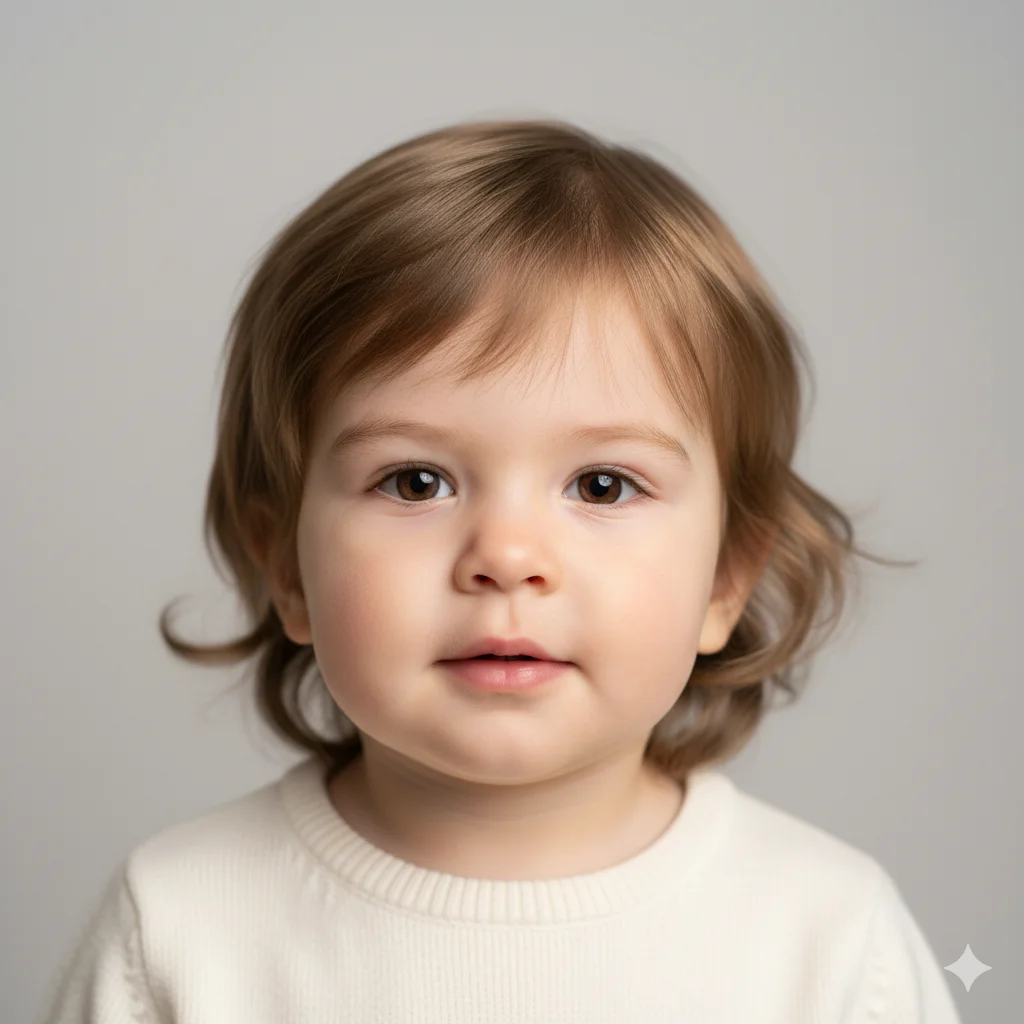
Toddlers (ages 2 – 4)
Young kids (ages 5 – 8)
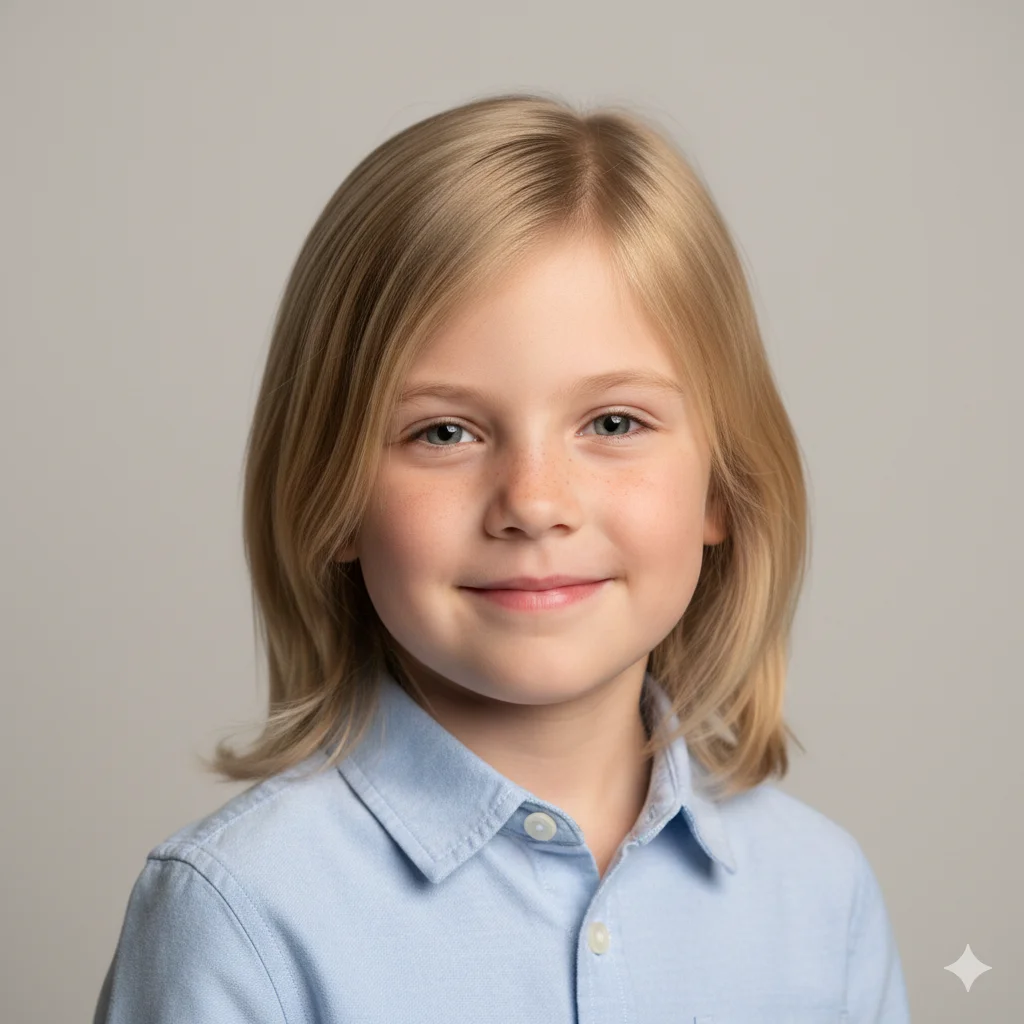
Kids portraits (ages 9 -12)
Indoor and outdoor kids photos
Studio-style and candid images
All prompts are safe, free to use, and customizable.
Gemini AI Prompts for Kids Photos (Complete Collection)
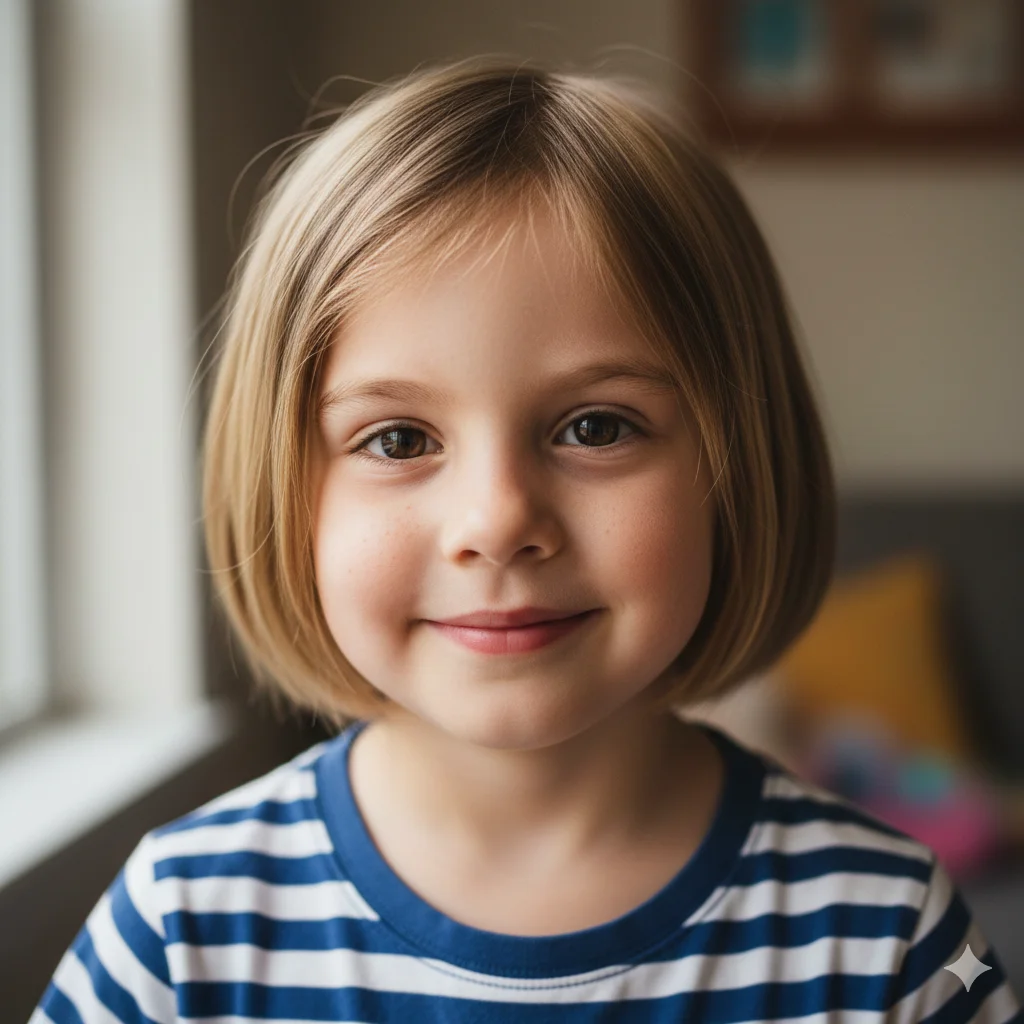
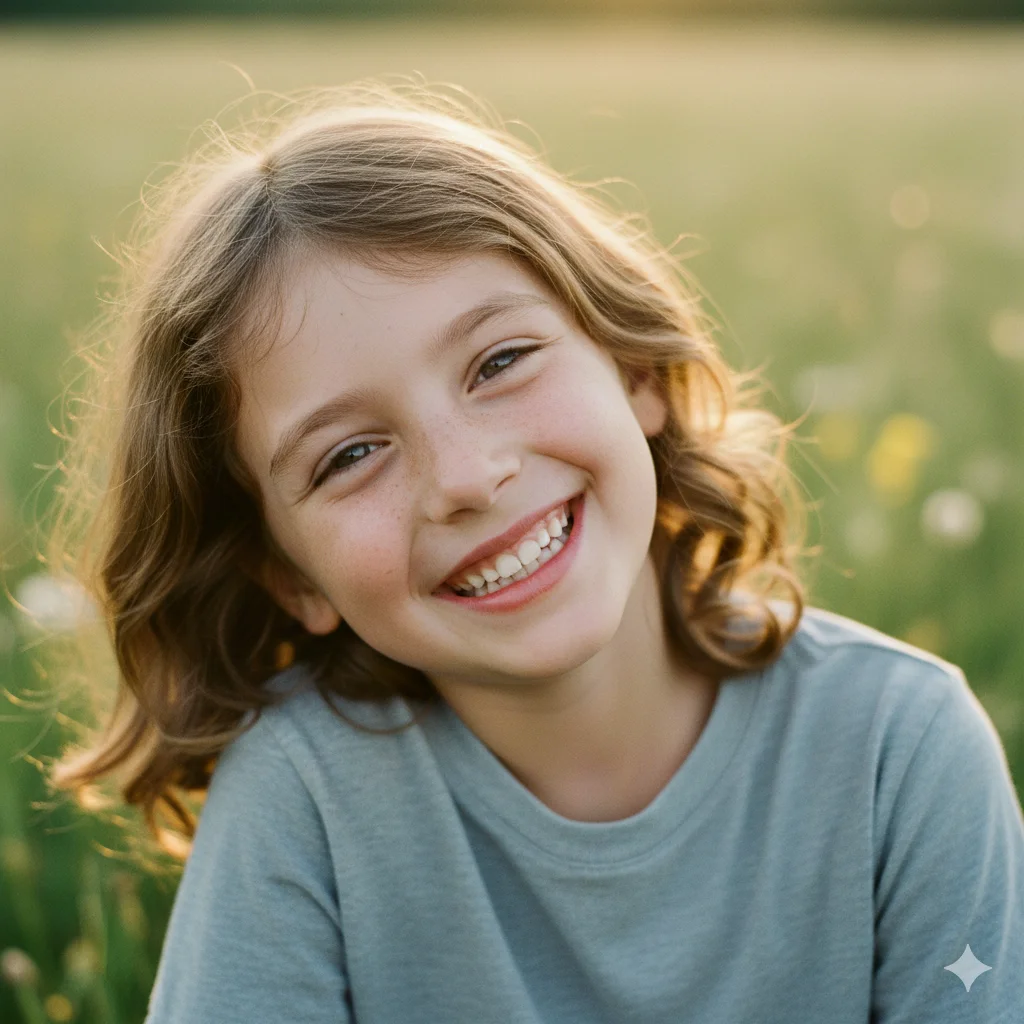
1. Natural Kids Portrait Prompt
Use this for clean, everyday kids photos.
“Create a realistic portrait of a child aged around 6–8 years.
Natural facial proportions, soft lighting, and a gentle smile.
Age-appropriate hairstyle and clothing.
Photorealistic skin texture, no adult features or stylization.
Safe, respectful, and natural appearance.”
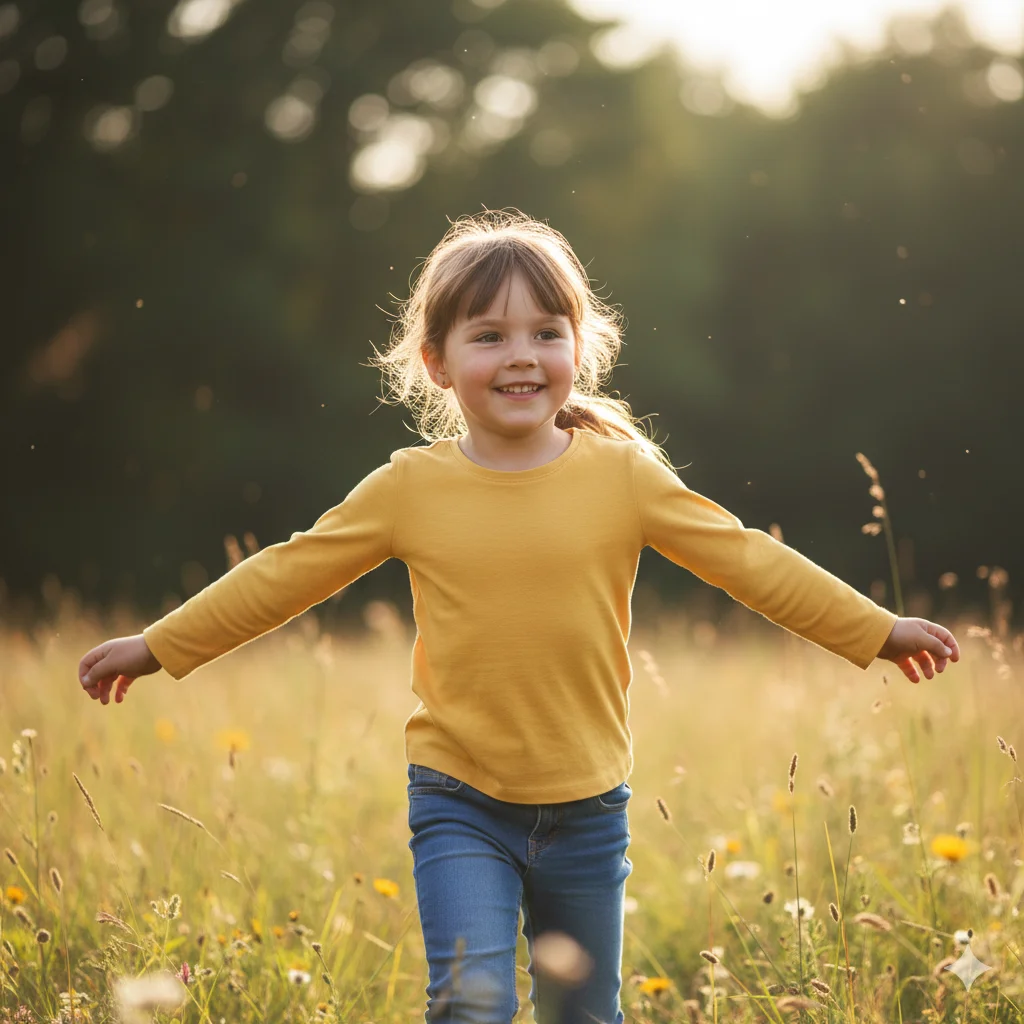
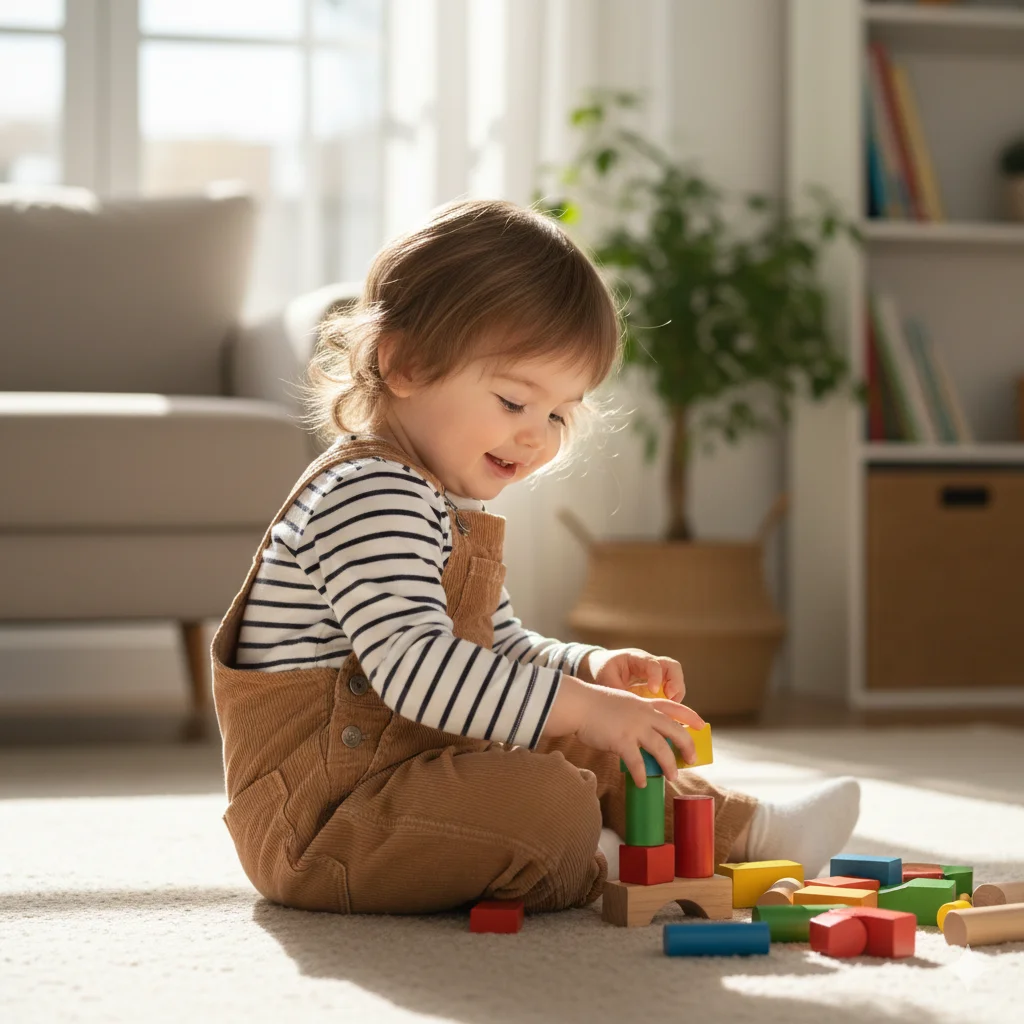
2. Outdoor Kids Photo Prompt (Candid Style)
Perfect for playful and joyful images.
“Generate an outdoor candid photo of a child playing naturally.
“Maintain natural skin texture, avoid smooth or artificial skin.”
For age accuracy:
“Ensure facial structure and proportions match the child’s age.”
For safety:
“Keep the appearance neutral, respectful, and child-appropriate.”
To avoid AI artifacts:
“Avoid exaggerated expressions or stylized effects.”
Common Mistakes to Avoid (Very Important)
Using adult photography terms like fashion shoot
Over-sharpening or cinematic lighting
Making children look older than their age
Adding dramatic moods or themes
For kids photos, natural > perfect.
Who Can Use These Gemini AI Prompts?
These prompts are suitable for:
Parents creating digital memories
Designers and illustrators
Educational or school projects
AI hobbyists
Social media content (age-appropriate only)
No paid tools or advanced skills required.
Are These Gemini AI Prompts Free?
Yes
These Gemini AI prompts for kids photos are completely free to use. You only need access to Gemini AI’s image generation features.
There’s no watermark, subscription, or advanced software required.
Gemini AI vs Other AI Tools for Kids Photos
Gemini AI is preferred because:
It handles natural facial proportions well
Reduces exaggerated or unrealistic features
Responds accurately to age constraints
Produces cleaner, more realistic results
Prompt clarity is the key to success.
Frequently Asked Questions (FAQ)
Are these prompts safe for kids?
Yes. All prompts are written to be neutral, respectful, and age-appropriate.
Can Gemini AI generate realistic kids photos?
Yes, when age and safety constraints are clearly defined.
How do I prevent AI from making kids look older?
Always include “age-accurate features” and “no adult characteristics.”
Can I use these images for social media?
Yes, provided you follow platform rules and local laws.
How many times should I regenerate images?
2 – 3 regenerations usually deliver the most natural results.
Can these prompts be customized?
Yes. You can change clothing, background, or lighting while keeping age limits.
Kids’ photos should always feel natural, warm, and authentic, not artificial or stylized. With the right Gemini AI prompts for kids’ photos, you can create safe, realistic, and beautiful images that respect a child’s age and identity.
This page is built to help PromptBazzar.com rank as a trusted authority for Gemini AI prompts, while fully respecting Google’s quality and safety expectations.
There is something incredibly special about old photographs. A wedding picture taken decades ago. A childhood memory captured on an old camera. A black and white portrait of grandparents that has been sitting inside a family album for years. A rare family photograph that exists only in printed form. The problem is simple. Time slowly…
Creating AI images of girls, especially teenagers, requires clarity, responsibility, and realism. While aesthetic and trending styles are popular, prompts must always ensure age-appropriate, respectful, and natural results. In this guide, we share carefully curated Gemini AI prompts for girls, including: Why Prompting Matters for Girls’ AI Photos Without precise prompts, AI can: The goal…
Kids’ birthdays are full of joy, color, laughter, and unforgettable memories. With the right AI prompts, you can now create beautiful birthday images, heartfelt wishes, and creative captions using Google Gemini. In this complete guide, we share: Everything here is designed to be child-safe, joyful, and realistic. Why Use Gemini AI for Kids Birthday Content?…
Low-quality images can ruin an otherwise perfect photo, whether it’s blur, noise, poor lighting, or low resolution. With the right prompts, AI can now enhance image quality naturally, without making photos look artificial or over-edited. In this guide, we share expert-crafted Gemini AI prompts for photo editing and enhancement, designed to help you: Why Prompting…
A professional photo is often your first impression on LinkedIn, resumes, company websites, and portfolios. With the right prompts, AI can now generate clean, realistic, and professional headshots without expensive studio sessions. In this guide, we share expert-crafted Gemini AI prompts for professional photos, including: Why Professional Prompting Matters In professional contexts, AI images fail…
Friendship photos capture something family, and couple photos don’t share energy, laughter, chaos, inside jokes, and chosen bonds. Whether it’s two best friends, a close-knit group, college buddies, travel friends, or siblings who behave like friends, these images are about connection without formality. With carefully written prompts, Google Gemini can generate natural, expressive, and realistic…